Main menu
You are here
ASuite Screenshots
ASuite - Screenshots
A simple portable launcher for you
Main window
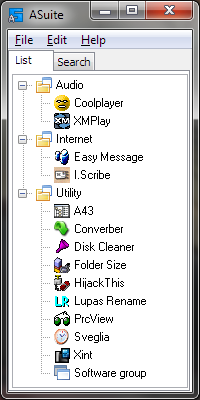
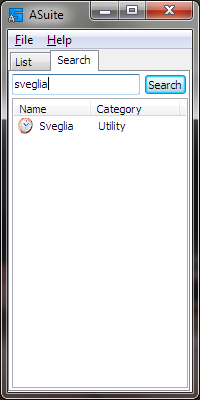
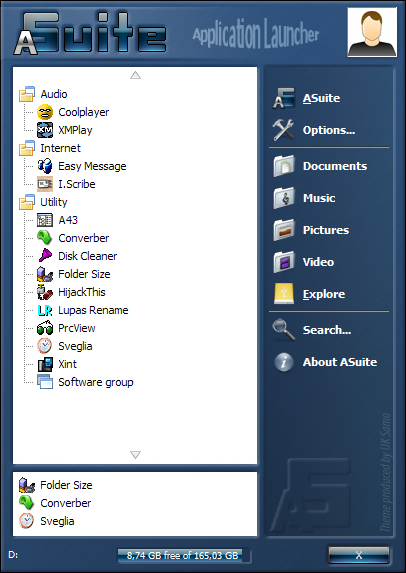
From ASuite's main window, you can customize your list in a simple and quick way adding anything runnable (portable or not applications, documents or other file types, folders and urls).
Any linked item can be organized in a hierarchical structure (tree view), with categories and subcategories, and found with the internal search tool (Search tab)
Default Menu & Classic Menu
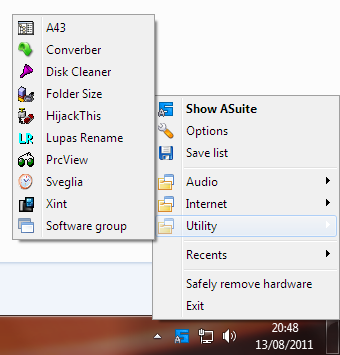
In ASuite, you can run any list items by using two tray menus (by clicking on ASuite icon in System tray.): Default Menu (Windows Vista style, with a very simple theme engine) or Classic Menu (Windows's menu, fast and lightweight)
Options
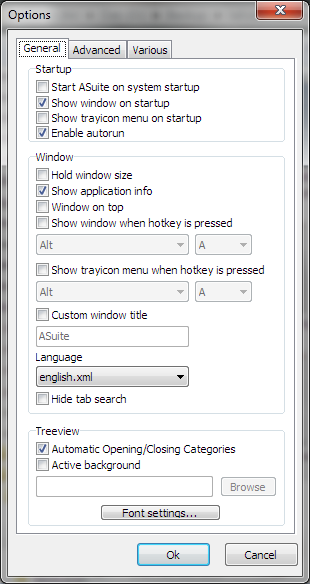
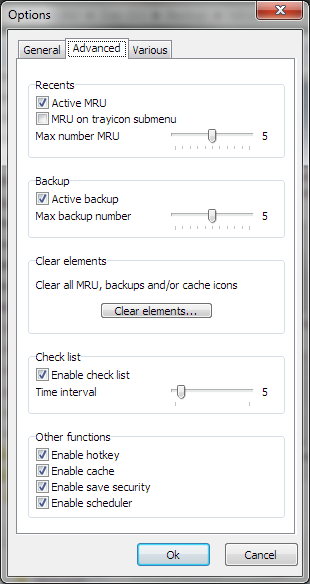
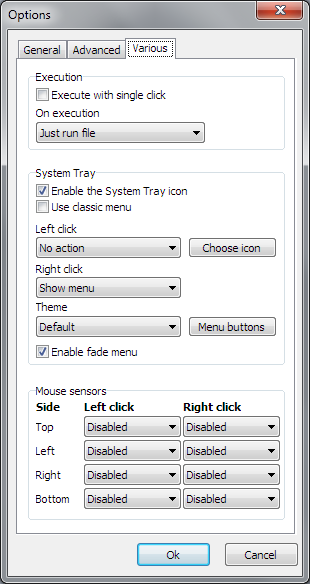
ASuite is a highly customized launcher. Using Options window, you can change nearly all ASuite's actions.
Software item Properties
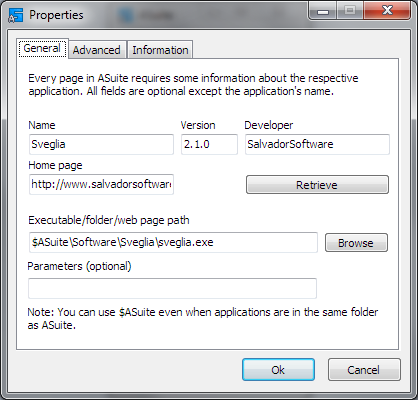
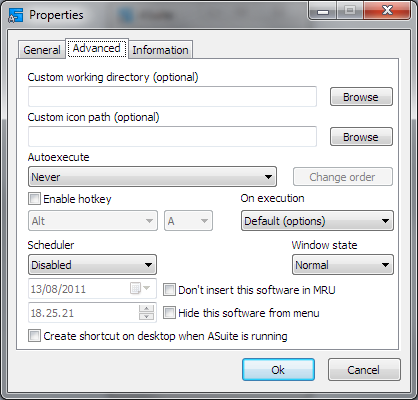
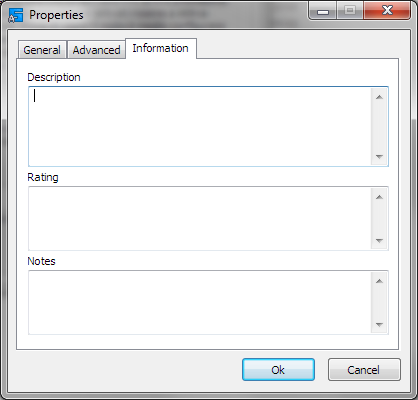
Every item in ASuite has custom properties. Beyond base properties (name, path and etc...), you can use custom icon (icon file or another exe file), set a hotkey, schedule it and many other options...
Other windows